






For guests and kitchen
JamButtonOne button, and your service team knows
Guests press the button on the table when they need something. The kitchen presses it when the food is ready. The call arrives instantly by push in JamWaiter and on your team's smartwatch.
- Two uses
- guests call for service, the kitchen signals «Food ready»
- By push
- in JamWaiter on your team's phone or tablet
- On the wrist
- on the smartwatch, even when the phone stays in a pocket
How it works
Less waving, less walking
For guests
Call for service without waving
The JamButton sits on the table. One press is enough, and your team sees which table is calling. Guests do not need an app.
For the kitchen
«Food ready», without shouting
If the kitchen is far from the floor, the kitchen presses the button as soon as a dish is ready. Service picks it up instead of asking.
JamWaiter
Push to the device
The call appears in JamWaiter, as an alert in the open app or as a push notification.
Smartwatch
On the wrist
The JamWaiter app for Wear OS smartwatches shows calls from the tables.
On the floor
Connected to JamWaiter
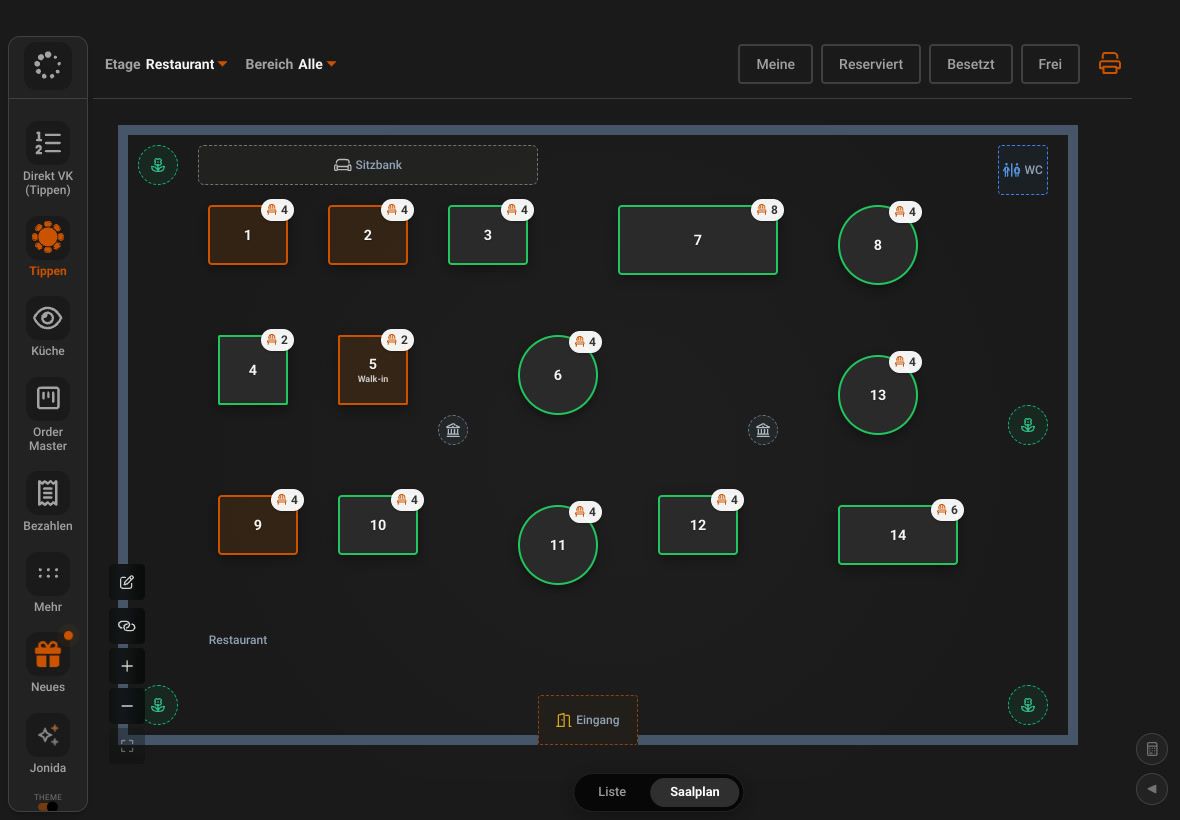
Each button belongs to a table. Your team sees the call in the same app they use to take orders and payments.
How it fits together
From button to table
- KitchenKitchen display
the food is ready
- Table or kitchenJamButton
one press of the button
- ServiceJamWaiter
gets the call by push
FAQ
Questions about JamButton
How much does JamButton cost?
Each button is a one-off CHF 35, CHF 20 from 10 units and CHF 15 from 20 units. On top comes a subscription of CHF 19 per button per month, or CHF 9 per button from 20 buttons.
Do guests need an app?
No. Guests press the button on the table, that is all it takes.
Where does the call arrive?
By push in JamWaiter on your team's devices and in the JamWaiter app for Wear OS smartwatches.
Can the kitchen use the button too?
Yes. If the kitchen is far from the floor, it uses the button to signal that the food is ready.
Demo
See Jamatu for yourself
In our demo you click your way through the floor plan, courses and payment all the way to the end-of-day closing. Once you sign up, we activate your access.
- Free and with no obligation
- In your browser, no installation