






For staff restaurants, canteens & care homes
Many guest groups. Clear time slots. One system.
With Jamatu, staff, residents and external teams order at set times, each group with its own menu and its own prices.
- Ordering window per guest group
- Separate prices per menu
- Pickup or in-house delivery

Order received
Social services team · Delivery today
Payment the way your guests are used to
- TWINT
- Visa
- Mastercard
- Apple Pay
- Google Pay
- LunchCheck
- Cash
- Vouchers
Contract catering
Different groups, different rules
In staff restaurants and care facilities, not everyone eats the same way: staff, apprentices, residents, external teams and guests. Jamatu maps this cleanly.
Ordering windows
Staff order e.g. from 11:00 to 13:30, external teams already in the morning.
Multiple menus
Each guest group gets its own menu with its own prices.
Pick up or deliver
Orders are picked up or delivered the same day.
Case study · Senevita Obstgarten
One restaurant, four guest groups
At Senevita Obstgarten in Affoltern am Albis, Restaurant Mela serves staff, apprentices, an external social services team and guests, with separate menus, prices and ordering times.
- Staff order from 11:00 to 13:30
- Social services order from 9:00 to 11:00, with same-day delivery
- Weekly menu automated on the website and newsletter

Reference · School catering
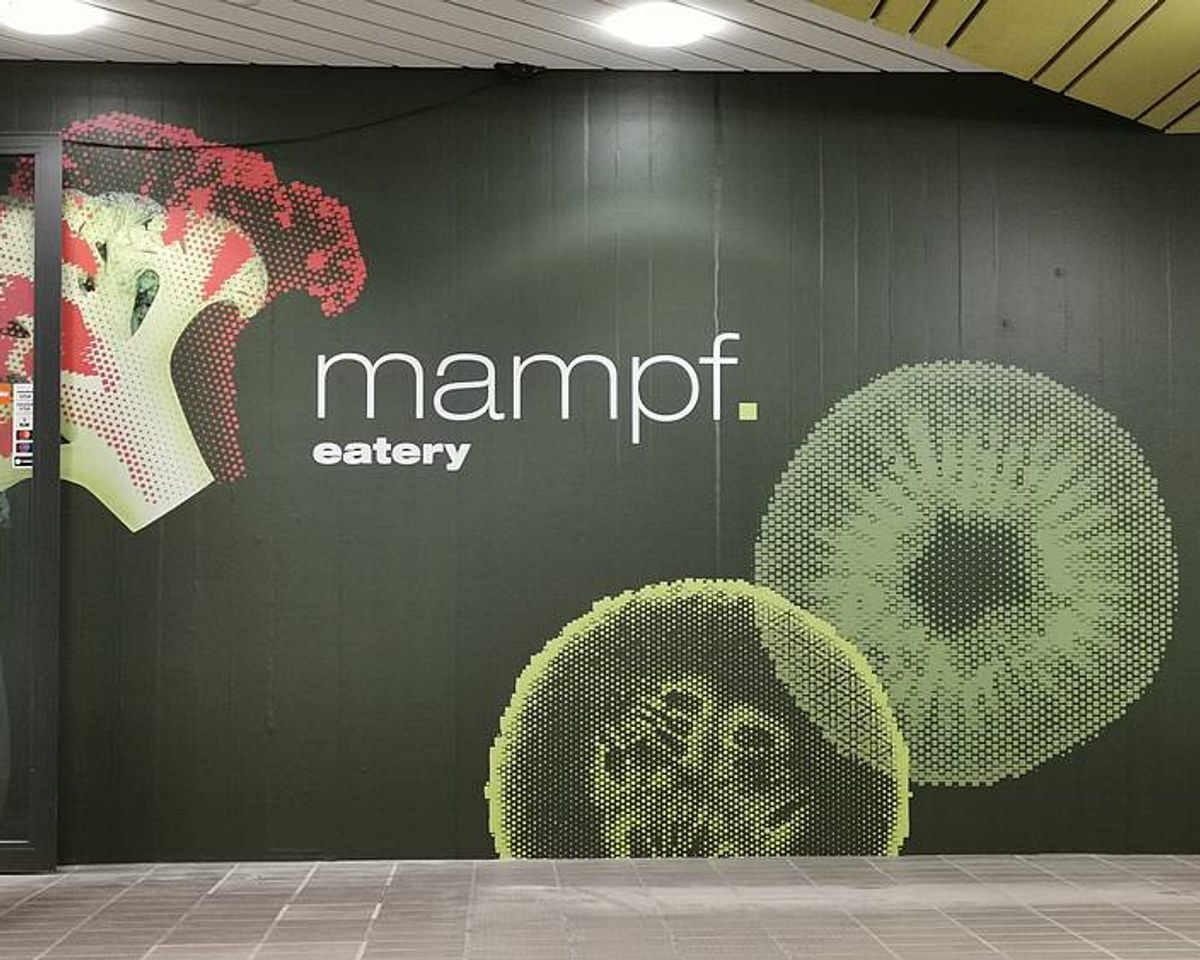
School catering at Kantine Mampf
At the Gewerbliche Berufsschule St. Gallen vocational school, students pre-order their meals with JamOrder and pick them up at a set time.
«JamOrder hat unseren Schülern die Vorbestellung in der Kantine enorm erleichtert, effizient, praktisch und bestens geeignet für unseren Schulalltag.»

«Mit JamOrder läuft unsere Kantine effizienter denn je. Schüler bestellen vorab, vermeiden Wartezeiten und wir sparen wertvolle Ressourcen, ein echter Gewinn!»

One workflow for every group
Each group sees its menu at the right time
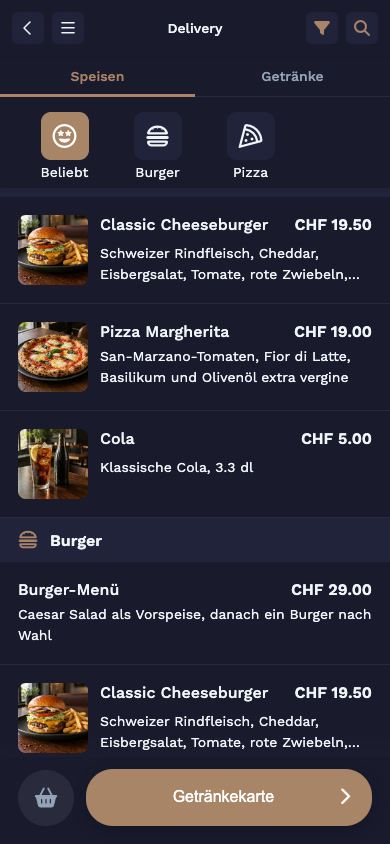
Via JamOrder, each group only sees the menu that applies to it: at the right time and at the right price.
JamOrder
Ordering in their own time slot
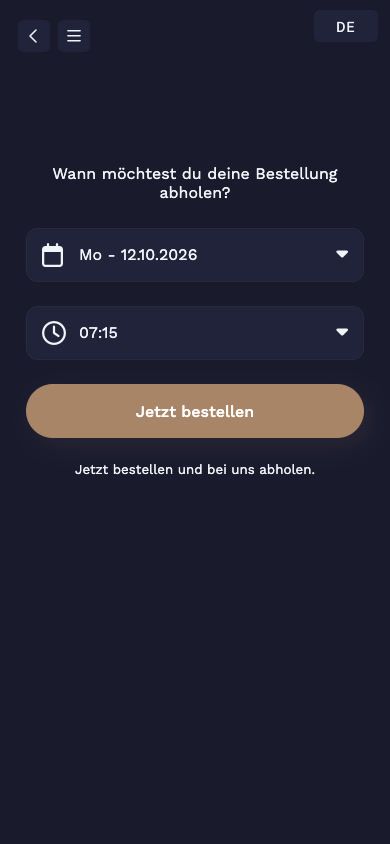
Staff order their lunch menu by QR code or link, within their group's time slot and at the price of their menu. Pickup is at the chosen time.
- Scheduled menus
- Separate prices per group
- Optional guest account with order history
JamOrder · At the table
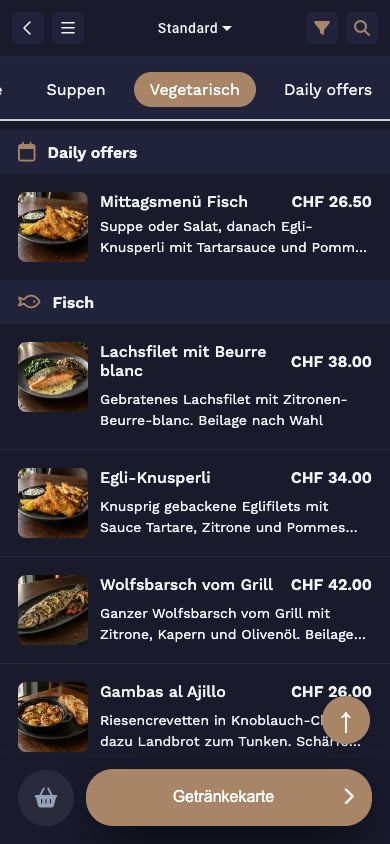
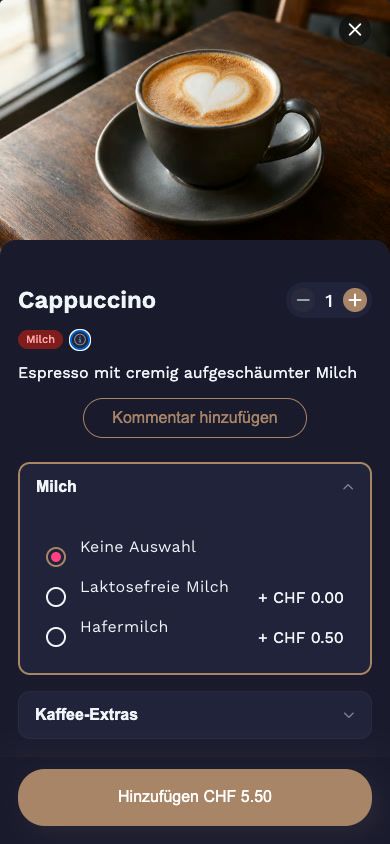
Order from your seat, with options
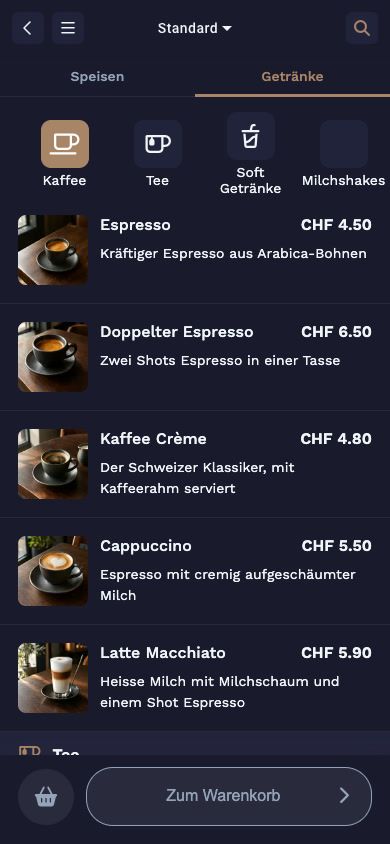
At the table, residents and relatives order by QR code. They choose options such as milk or side dish directly, and dishes containing certain allergens can be hidden.
- QR code on the table
- Options and variants
- Hide allergens
JamOrder · Delivery
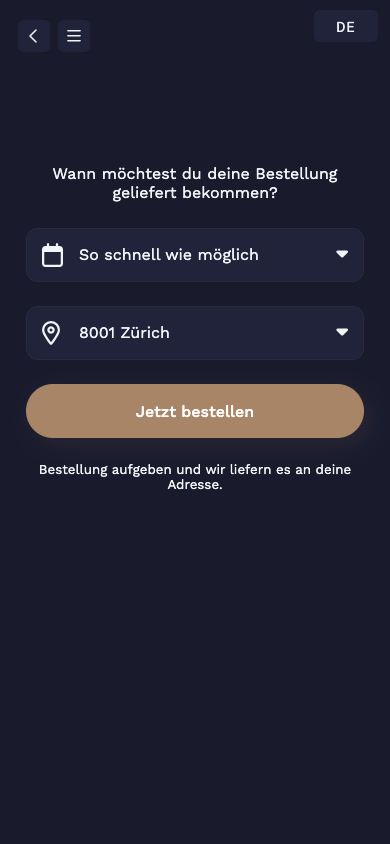
External teams order in advance
External teams order in the morning within their time slot and receive delivery at lunchtime. You set the delivery zones and minimum order value yourself.
- Separate ordering window
- Same-day delivery
- Minimum order value per zone
OrderAdmin · Day planning
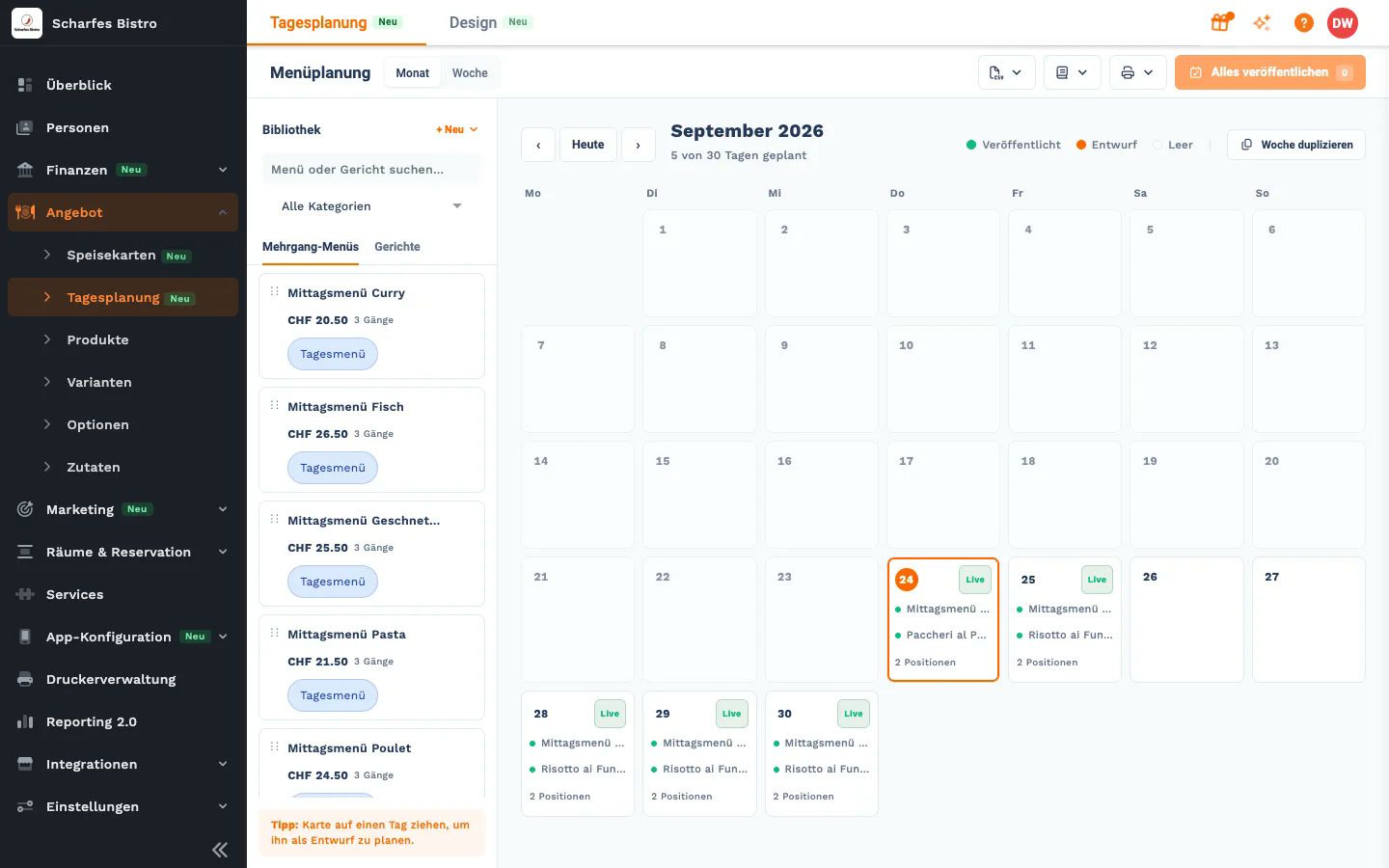
Plan the weekly menu, keep an eye on the kitchen
You plan the weekly menu in OrderAdmin and assign it to the groups. The kitchen sees all orders together on the kitchen display.
- Day planning in the calendar
- Assign menus per group
- Kitchen display for the kitchen
How a day runs
From the weekly menu to serving
Plan the menu
Enter the weekly menu in OrderAdmin and assign menus to the groups.
Order
Each group orders within its time slot, by QR code or link.
Prepare
The kitchen sees all orders together on the kitchen display.
Serve & analyse
Pickup or delivery, then product sales and daily revenue in reporting.
Everything in one place
What else your canteen needs
Optional guest account
Account via email code, Google or Apple, no password needed.
Menu performance
Category analysis and menu performance show what is in demand.
Menu on your website
Show your menu and weekly menu directly on your own website.
VAT per product
Set VAT rates per product, correctly for every guest group.
Team roles
Owner, manager and accounting, with accounting only seeing reports.
Vouchers
Sell and redeem vouchers, for example as a gift for the team.
Your assistant on the team
Ask Jonida. Or let her handle it.
Jonida is the assistant in JamWaiter and OrderAdmin. She answers questions about how things work and takes you to the right screen. Now she also gets tasks done: you say what you need, Jonida shows you the change, and nothing is carried out until you confirm.
- Mark a product as sold out or available again
- Change prices, including for sizes like 3 dl and 5 dl
- Confirm reservations, mark them as arrived or no-show
- Create a new product in the conversation
- Suggest descriptions and allergens for dishes
The tiramisù is finished for today.
Shall I mark the tiramisù as sold out? Confirm and I will make the change.
Confirm
Done. The tiramisù is marked as sold out.
Pricing
Transparent, with no minimum term
The JamOrder modules In-House and Pickup & delivery have no monthly fee.
Prices in CHF. Details and terms on the pricing page.
JamOrder
CHF 0
Monthly fee for In-House, pickup & delivery
JamWaiter
CHF 40
per month with annual prepayment, otherwise CHF 49 and cancellable monthly
JamPay
CHF 0
Fixed fee per receipt, billed by payment method and volume
Frequently asked questions
Questions from canteens & care homes
You will find more answers in the Jamatu Help Centre.
Can different groups have different prices?
Yes. You create a separate menu with its own prices for each group.
Can ordering times be limited?
Yes. Menus are scheduled: each group only orders within its time slot, for example staff from 11:00 to 13:30 and external teams in the morning.
Can we deliver orders?
Yes. With JamOrder, external teams order in advance and receive delivery the same day. You set the delivery zones and minimum order value per zone yourself.
Do guests need to create an account?
No. Ordering works by QR code or link in the browser. Anyone who wants to can create a guest account via email code, Google or Apple, no password needed, and see their order history there.
Can the weekly menu be automated?
Yes. You plan the weekly menu in OrderAdmin's day planning and assign it to the groups. It appears in JamOrder and on your own website.
Demo
See Jamatu for your catering
In our demo, you click through guest groups, ordering windows and deliveries yourself. Once you sign up, we activate your access.
- Free and with no obligation
- In the browser, no installation
More businesses