






JamOrder · Pickup
PickupOrder ahead online, collect when it suits you
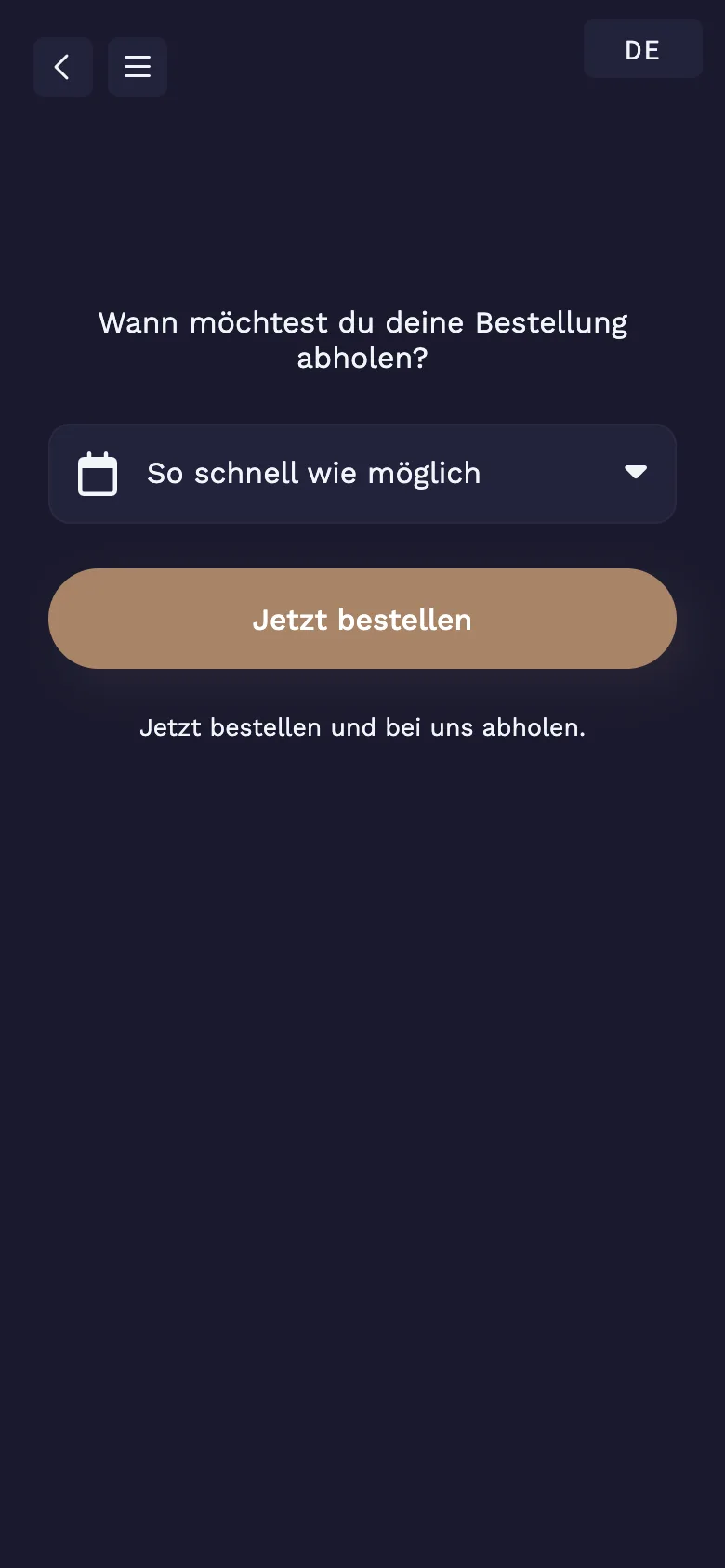
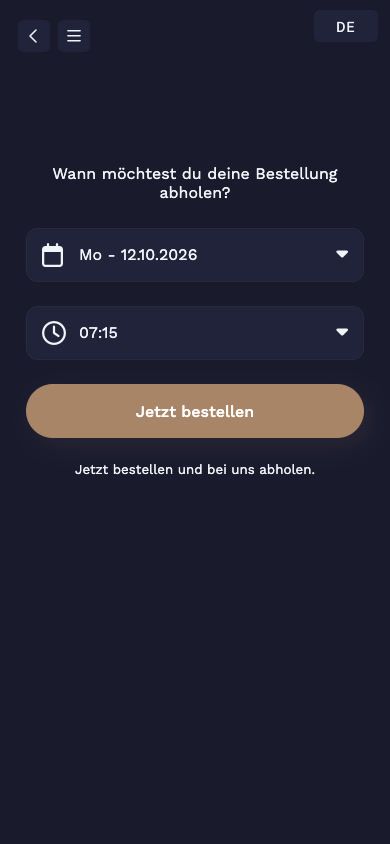
Guests order via your link, for example on your website or on Instagram, choose a day and time and pay online. You receive the order with its pickup time and plan the kitchen around it.
- CHF 0
- Monthly fee, no licence or set-up fee
- Up to 5 days
- to order in advance, or as soon as possible
- Time slots
- with a maximum number of orders per slot
Your guests pay online with
- TWINT
- Apple Pay
- Google Pay
- Visa
- Mastercard
- PostFinance Pay
How it works
How pickup works
- 01
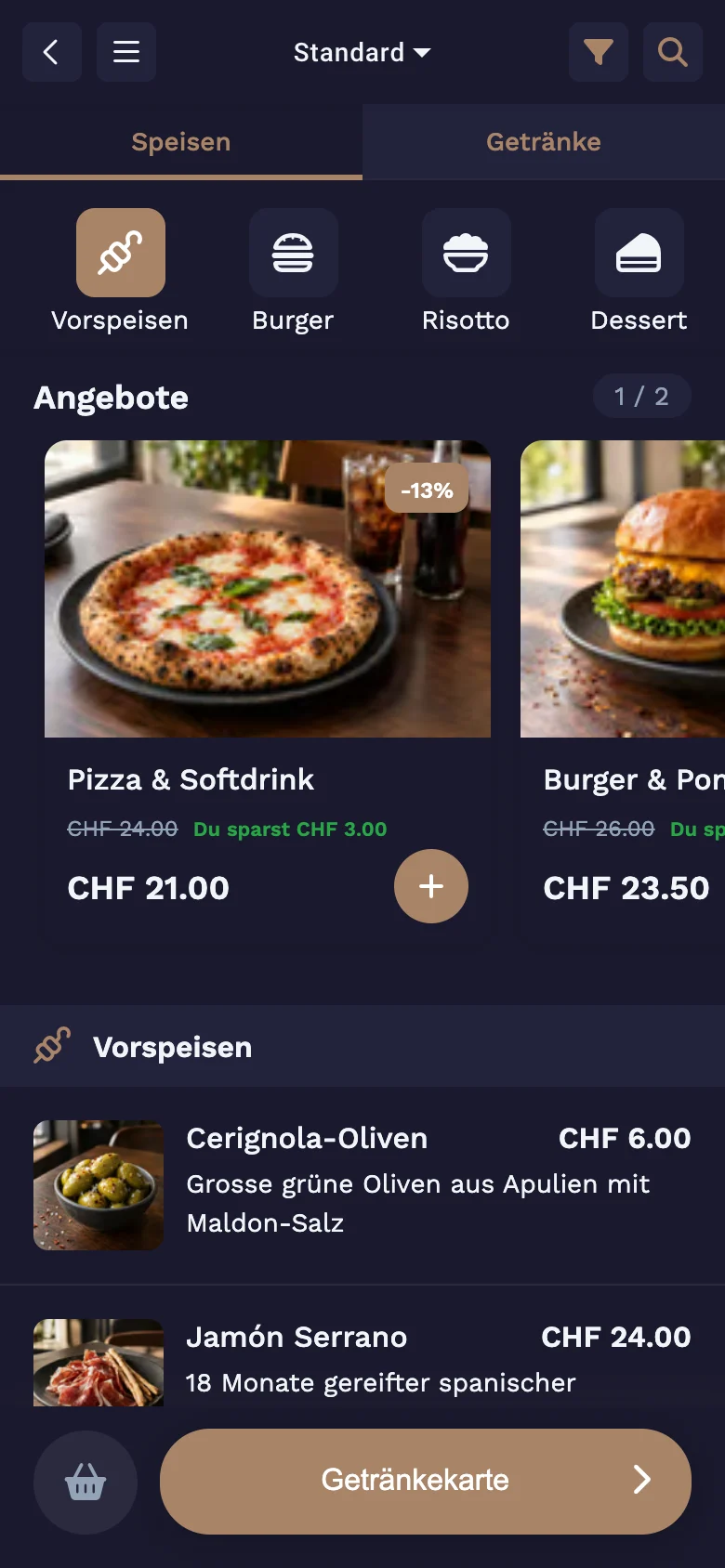
Open the link, choose from the menu
Your pickup link leads straight to the menu. Each brand has its own link.
- 02
As soon as possible
Anyone coming right away picks "As soon as possible". The order is ready no earlier than your lead time.
- 03
Or a day and time
Guests pick one of the next five days and an available time. Name and phone number are part of the order, and payment is online.
In OrderAdmin
You set the pace
Lead time
You set how many minutes the kitchen needs. No earlier pickup can be chosen.
Maximum per time slot
You only accept as many orders per slot as the kitchen can handle. Full slots disappear from the selection.
Separate ordering hours
Pickup has its own hours, independent of the restaurant. You add special days with a note for guests.
Pause
If the kitchen can't keep up, you pause pickup until things calm down.
How it connects
One order, one system
- GuestsJamOrder
order and pay in the browser
- KitchenKitchen display
sees every order in real time
- ServiceJamWaiter
works on the same table and the same POS
- Back officeOrderAdmin
menu, QR codes, times and zones
Frequently asked questions
Questions about pickup
How is this different from take-away?
With pickup, guests order ahead, on the go or from home, and choose a time. With take-away, guests order on site by QR code at the counter, without choosing a time.
How do guests pay?
Online when ordering. Paying on collection is only available for phone orders that your team enters in JamWaiter.
Do guests find out when everything is ready?
Yes, if you turn on the status display: the confirmation page shows the order status live. JamOrder does not send a text message or email for this.
What details do guests need to give?
Name and phone number, so you can reach them if anything is missing.
What does it cost?
Self-ordering with JamOrder has no licence, set-up or monthly fee. We charge payments by payment method and volume, with no fixed fee per receipt. The rate is set out in your quote.
Demo
See Jamatu for yourself
In our demo you click your way through the floor plan, courses and payment all the way to the end-of-day closing. Once you sign up, we activate your access.
- Free and with no obligation
- In your browser, no installation