

For kitchen and bar
Order MasterEvery order as a card with its waiting time
Orders from the table, from the QR code and from the kiosk appear side by side. Kitchen and bar tick off item by item, and the queue shows what is overdue.
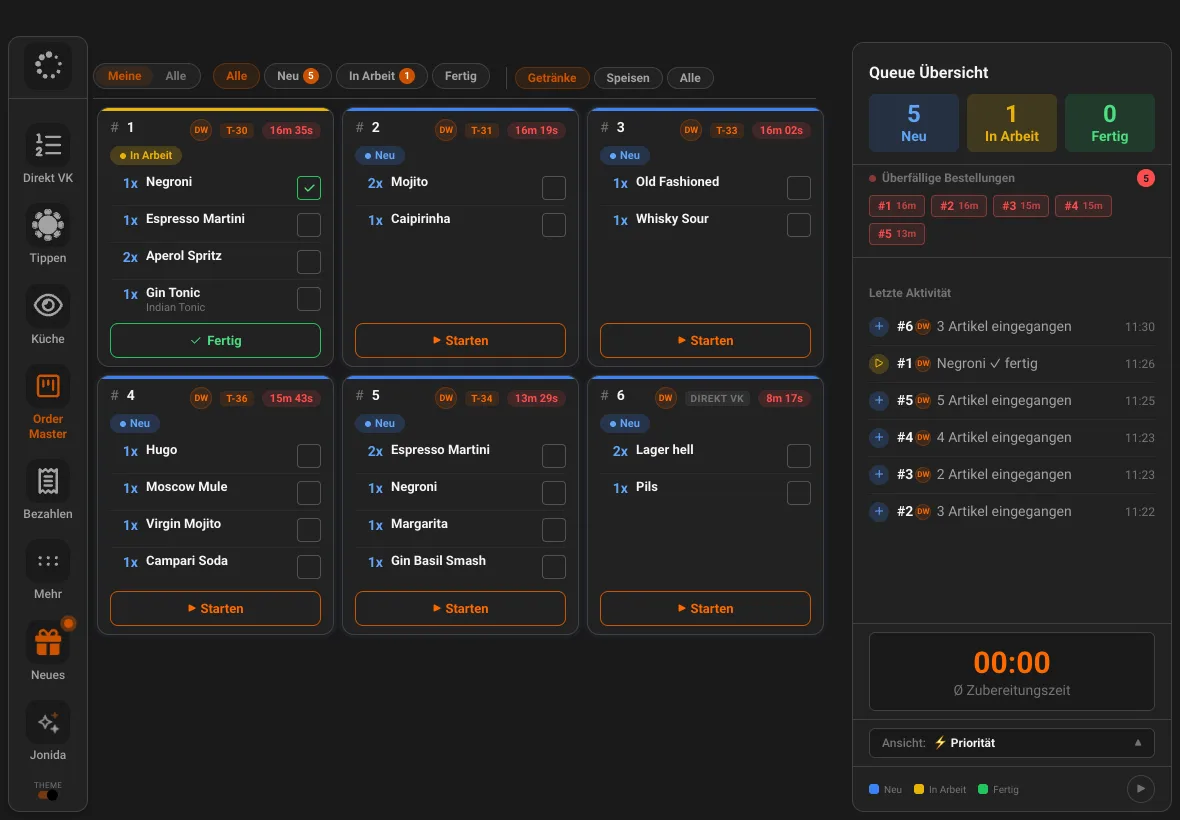
- New, in progress, done
- every card with status, table and waiting time
- Per station
- the kitchen filters for food, the bar for drinks
- All channels
- JamWaiter, JamOrder and JamKiosk in one view
Features
A calm kitchen, even when it is busy
Queue
Overdue orders go to the top
The queue overview counts new, in-progress and finished orders, marks overdue ones in red and shows the average preparation time.
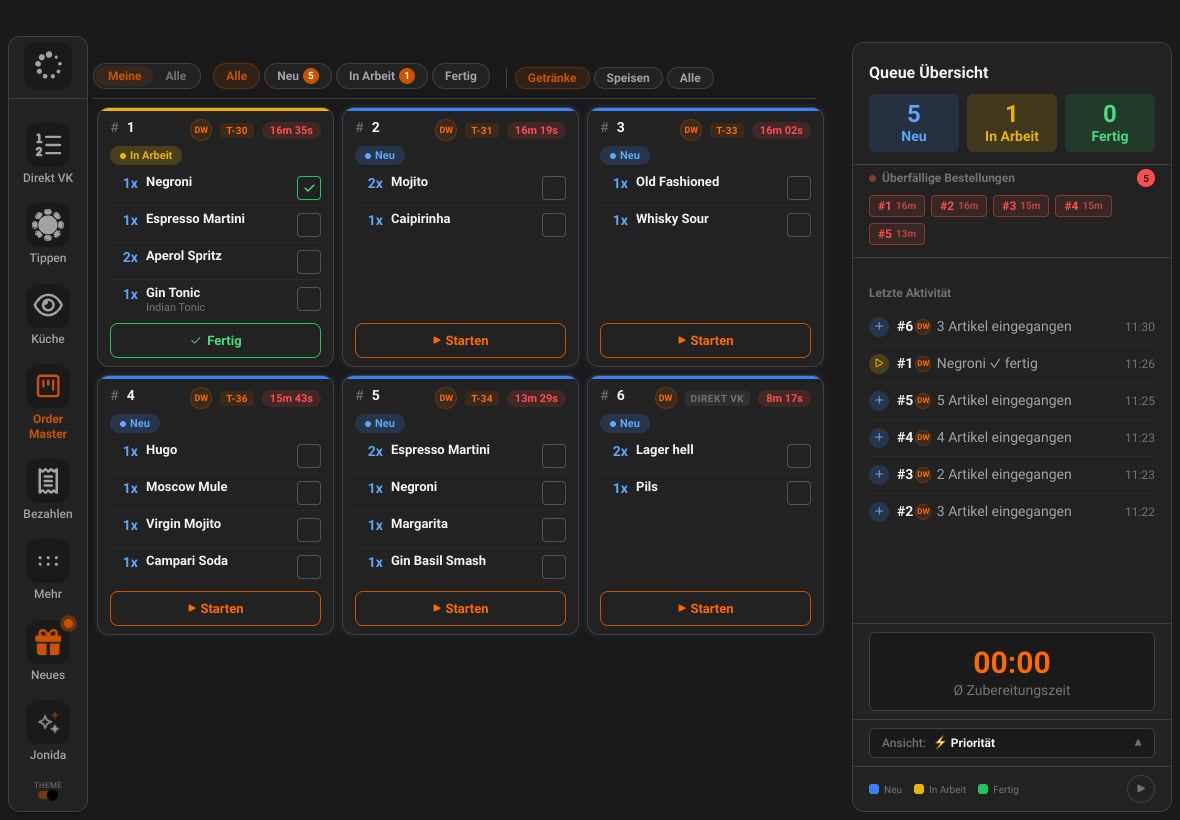
Tick off
Item by item
Whoever finishes a drink ticks it off. The card is done when everything is ticked.
Stations
Food here, drinks there
One filter is all it takes: the bar sees only drinks, the kitchen only food.
Kiosk and pickup
With pickup number
Kiosk orders appear with their pickup number, with pickup, delivery and window orders side by side as cards.
Tickets
Printers by course and station
If you prefer paper: tickets go to the right station, by course if you wish.
See printers
How it fits together
All roads lead to the kitchen
- ServiceJamWaiter
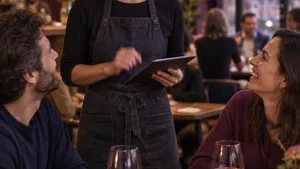
orders from the table
- GuestsJamOrder
orders via QR code
- KioskJamKiosk
orders with pickup number
- Kitchen and barOrder Master
work through everything in one view
FAQ
Questions about Order Master
Where does Order Master run?
Order Master is a view in JamWaiter. You open it on the tablet in the kitchen or at the bar.
Can kitchen and bar work separately?
Yes. The kitchen filters for food, the bar for drinks. Each side ticks off its own items.
Do I still need a printer?
No, but you can use one. If you wish, tickets also go to printers in the kitchen and at the bar.
Demo
See Jamatu for yourself
In our demo you click your way through the floor plan, courses and payment all the way to the end-of-day closing. Once you sign up, we activate your access.
- Free and with no obligation
- In your browser, no installation