





For cafés & bakeries
From the first coffee to the last croissant.
Jamatu makes the counter fast, ordering by QR code simple and take-away clean for tax purposes, so your team has more time for your regulars.
- Take-away per item at the correct VAT rate
- Order & pay by QR code, no app
- Runs on iPad, Android and Sunmi

Payment the way your guests are used to
- TWINT
- Visa
- Mastercard
- Apple Pay
- Google Pay
- LunchCheck
- Cash
- Vouchers
Your daily café life
Built for the counter, take-away and regulars
Mornings need to be quick, lunchtime gets busy, afternoons are all about atmosphere. Jamatu adapts to your day.
Fast at the counter
With quick sales, a coffee is rung up in a few taps, without opening a table.
Take-away booked correctly
Mark individual items as take-away. That way the VAT rate on the receipt is right.
Order from your seat
Guests order and pay by QR code at the table, no app needed.
Your tools
Three building blocks for your café
Start with what you need. Everything works together.
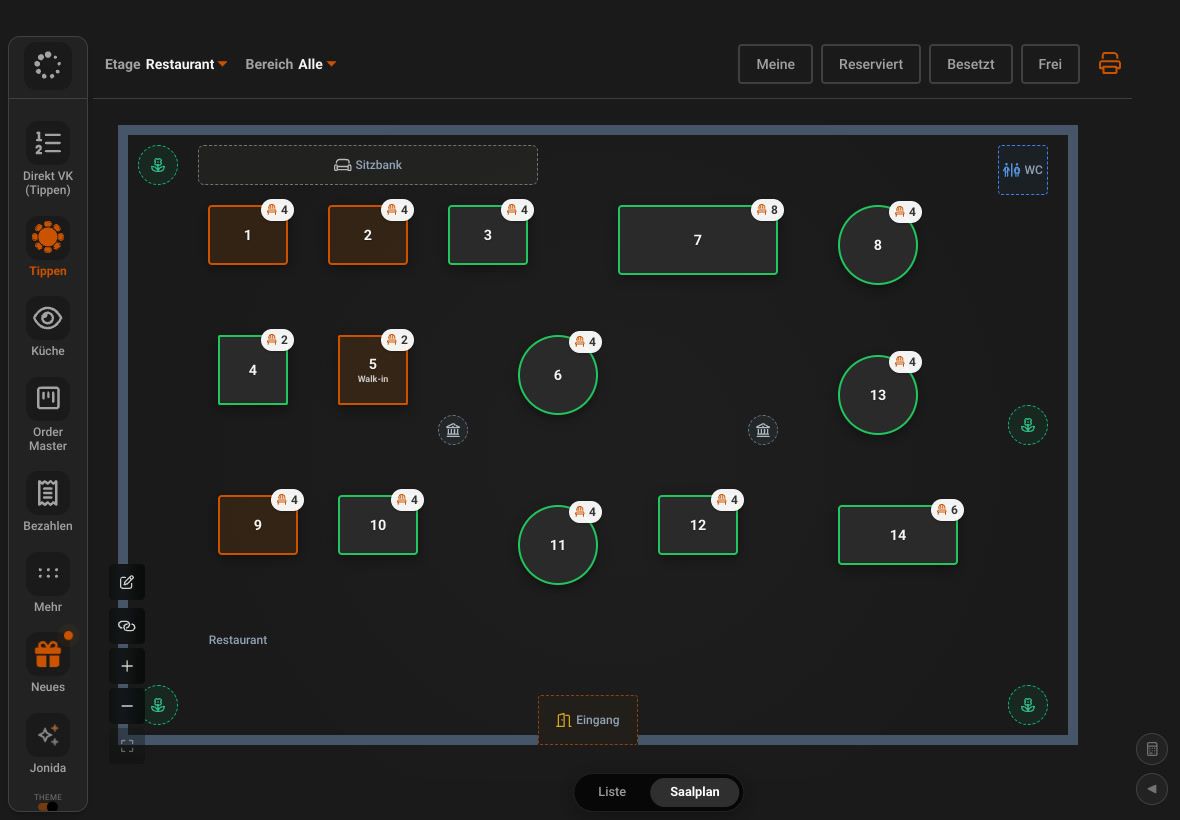
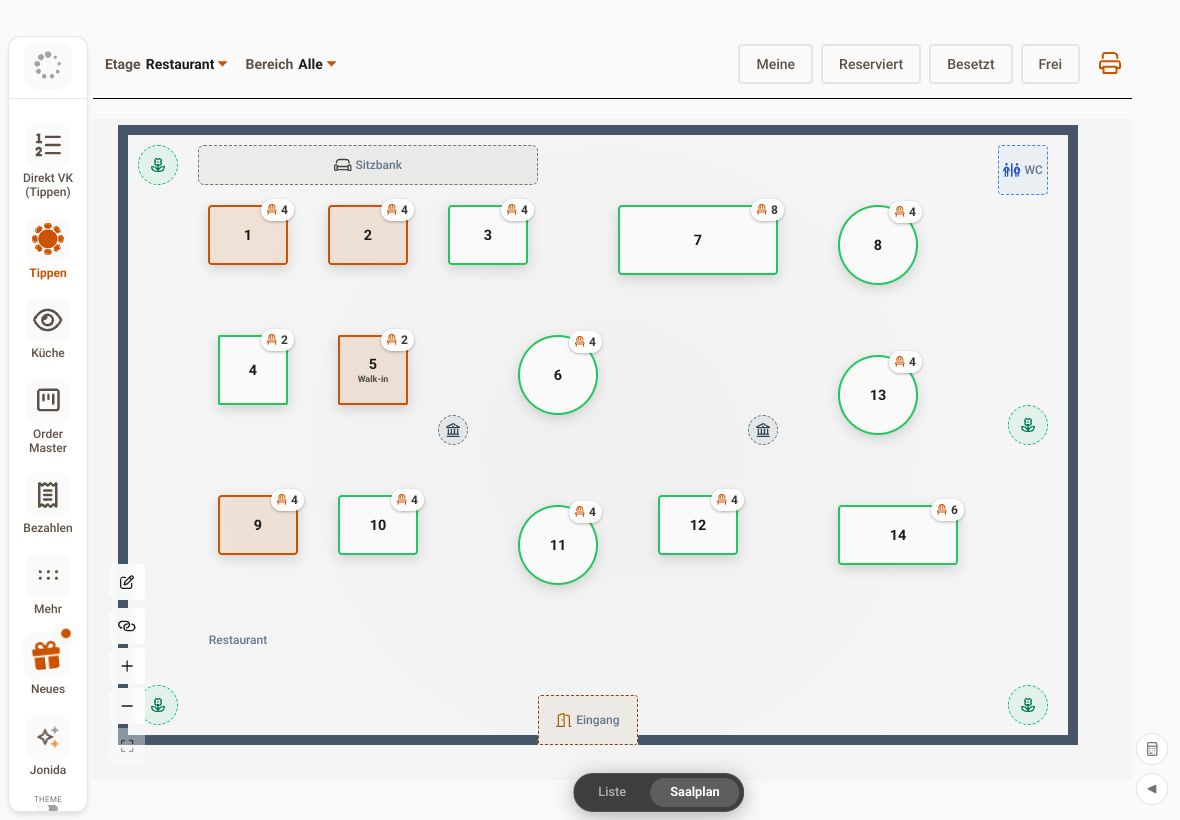
JamWaiter
Take payment at the counter or at the table
With JamWaiter you ring up counter sales in a few taps and serve at the table when needed.
- Counter sales in a few taps
- Mark take-away per item
- Card, TWINT, cash or Tap to Pay
- Runs on iPad, Android and Sunmi
JamOrder
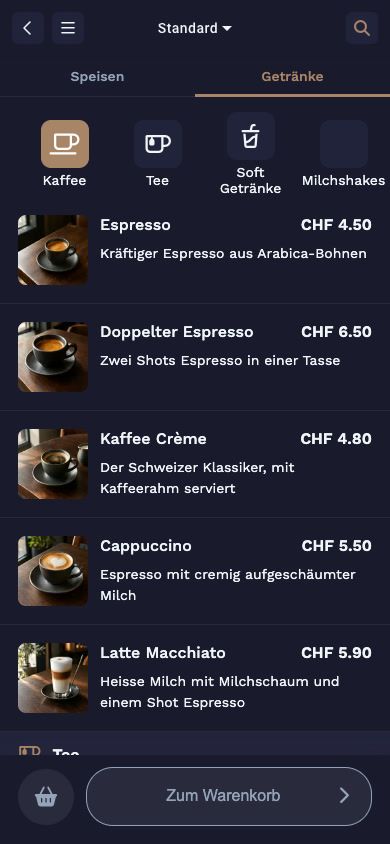
Guests order from their seat or in advance
Guests order from their seat or in advance for pickup, no app needed.
- Order from your seat by QR code
- Pickup at the requested time
- No monthly fee
OrderAdmin
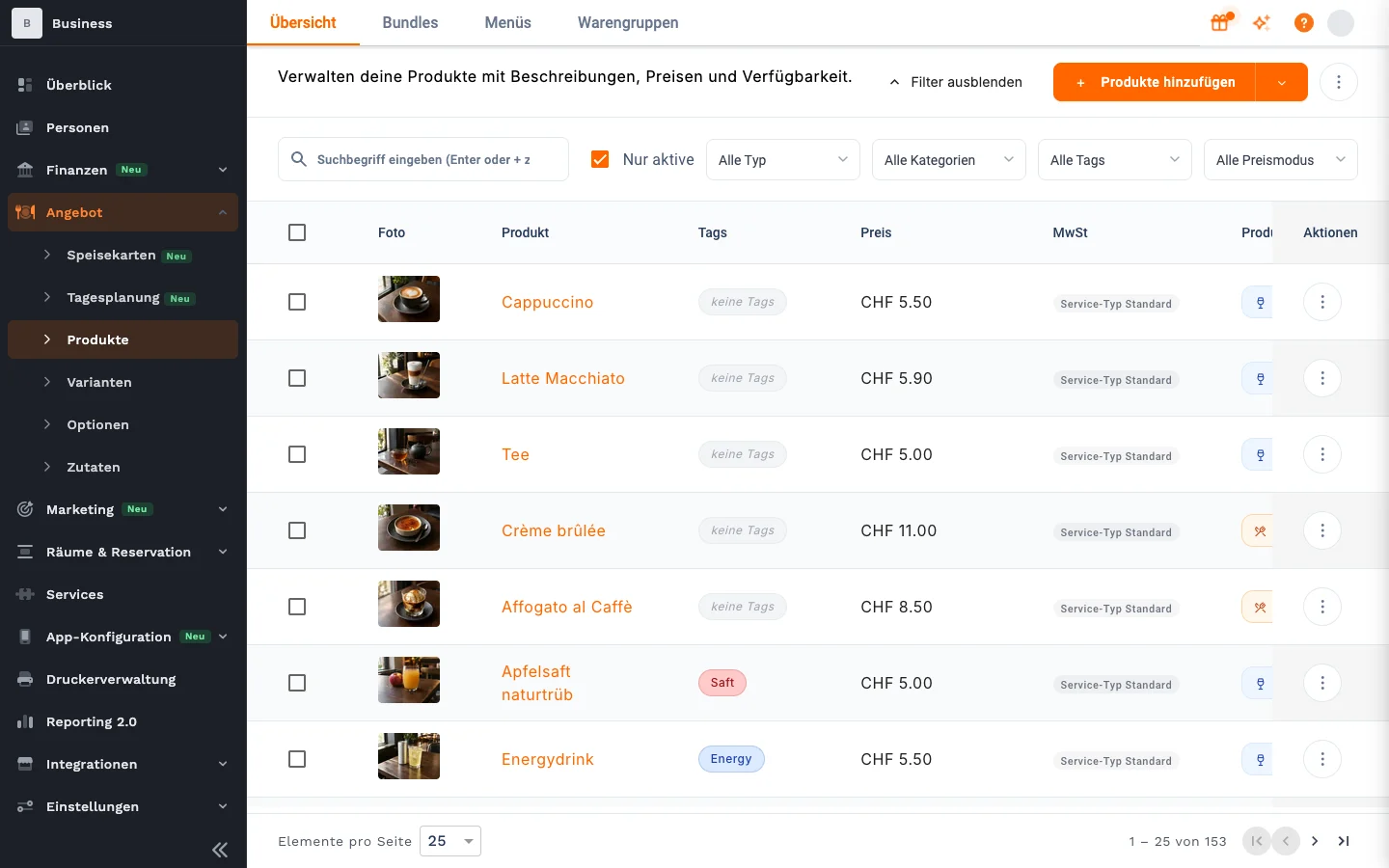
Products, menus and reports in one place
Manage products, prices, menus and reports centrally.
- Menus for breakfast and lunch
- Variants such as size or milk
- Reports and end-of-day closing
Pre-order & pickup
Order online, pick up fresh
With JamOrder, guests order in advance and pick up at the time they choose. You set the preparation time and order limit yourself.
- Pickup with no monthly fee
- Set preparation time and order limit
- Embed the menu on your website
Products & variants
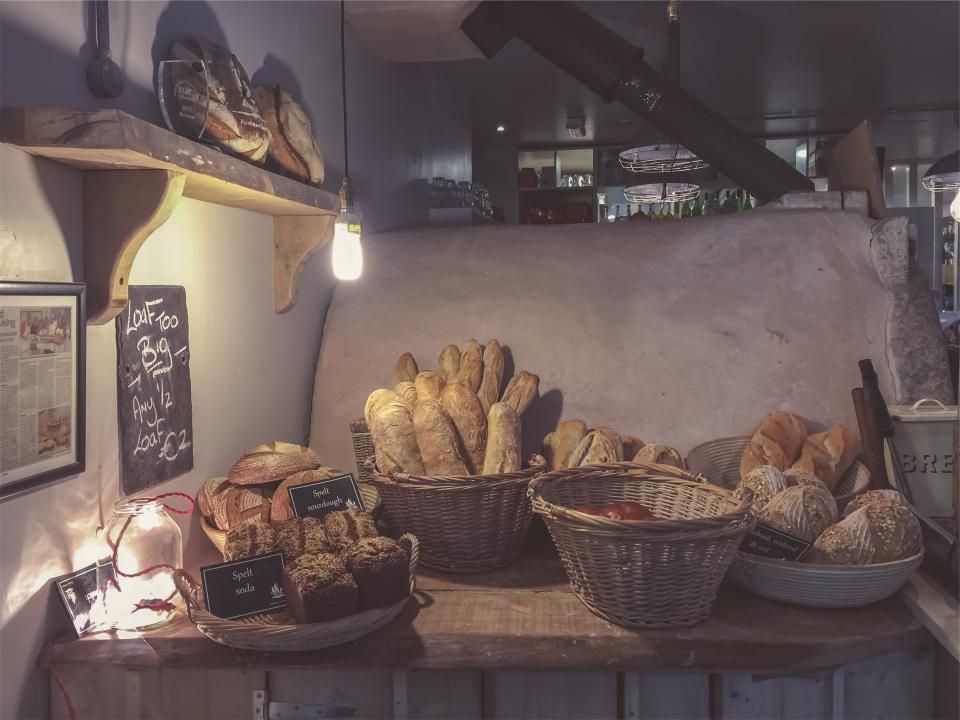
From croissant to gelato, neatly organised
Variants, options and custom products keep even a large range clear. The Help Centre shows how, using gelato as an example.
- Variants and options, also as required fields
- Import options via CSV
- Scheduled menus for breakfast and lunch
How a morning runs
From the pre-order to the end-of-day closing
Pre-order
Guests order in advance via JamOrder, with a pickup time.
At the counter
Walk-in guests are rung up with quick sales, take-away included.
At the table
Guests order by QR code at the table and pay right away.
Close
End-of-day closing and product sales at a glance.
Everything in one place
What else your café needs
Vouchers
Sell and redeem vouchers, in the café or online via a widget.
Promo codes
Promo codes for web orders, for example for your regulars.
Link page for social media
A link-in-bio page for Instagram and the like, straight from OrderAdmin.
Receipt by QR code
Digital receipts instead of paper: guests scan and have their receipt.
Top products
Which products sell best, by day, week or month.
Tickets for kitchen & counter
Orders sent straight to the right printer in the kitchen or at the counter.
Your assistant on the team
Ask Jonida. Or let her handle it.
Jonida is the assistant in JamWaiter and OrderAdmin. She answers questions about how things work and takes you to the right screen. Now she also gets tasks done: you say what you need, Jonida shows you the change, and nothing is carried out until you confirm.
- Mark a product as sold out or available again
- Change prices, including for sizes like 3 dl and 5 dl
- Confirm reservations, mark them as arrived or no-show
- Create a new product in the conversation
- Suggest descriptions and allergens for dishes
The tiramisù is finished for today.
Shall I mark the tiramisù as sold out? Confirm and I will make the change.
Confirm
Done. The tiramisù is marked as sold out.
Pricing
Start small, expand any time
For the counter and take-away: JamOrder for In-House and pickup has no monthly fee.
Prices in CHF. Details and terms on the pricing page.
JamWaiter
CHF 40
per month with annual prepayment, otherwise CHF 49 and cancellable monthly
JamOrder
CHF 0
Monthly fee for In-House and pickup
JamPay
CHF 0
Fixed fee per receipt, billed by payment method and volume
Frequently asked questions
Questions from cafés & bakeries
You will find more answers in the Jamatu Help Centre.
How do I book take-away at the right VAT rate?
In JamWaiter you mark individual items as take-away. The appropriate VAT rate is then applied.
Can guests pre-order and pick up?
Yes. With JamOrder, guests order in advance and pick up at the time they choose. You set the preparation time and order limit yourself.
Can I set up variants such as size or type of milk?
Yes. In OrderAdmin you create variants and options, also as required fields if you like. You can import options via CSV.
Does JamOrder cost anything?
JamOrder for In-House and pickup has no monthly fee. You will find details and terms on the pricing page.
Do I need a traditional till?
No. With JamWaiter you take payment at the counter and at the table, and with quick sales even without opening a table. Your guests order with JamOrder in the browser, no app needed.
Demo
Get your counter ready for the morning
In our demo, you click through quick sales, take-away and pre-orders yourself. Once you sign up, we activate your access.
- Free and with no obligation
- In the browser, no installation
More businesses